Storage
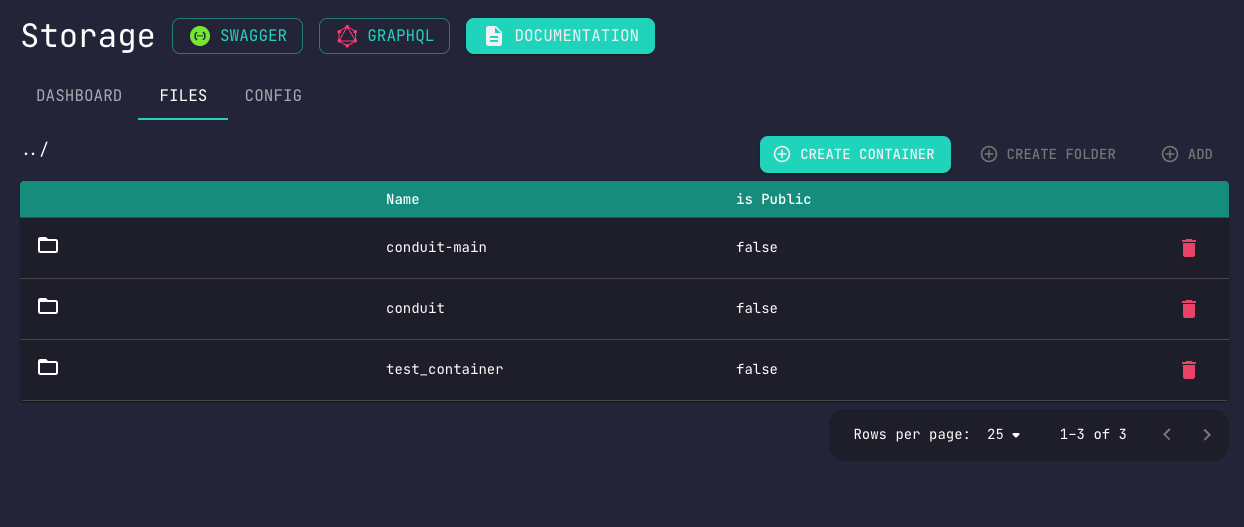
The Storage module provides file storage capabilities with multiple provider support.
Features
- Local Storage - Store files on server filesystem
- Cloud Storage - S3, Google Cloud, Azure, Alibaba
- File Management - Upload, download, delete
- Access Control - Public and authenticated files
- Folder Structure - Hierarchical organization
Supported Providers
| Provider | Status |
|---|---|
| Local | Supported |
| Amazon S3 | Supported |
| Google Cloud Storage | Supported |
| Microsoft Azure | Supported |
| Alibaba Cloud (Aliyun) | Supported |
Dependencies
No module dependencies.
Minimum Configuration
Requires provider configuration. Disabled by default.
Environment Variables
| Name | Required | Description | Example |
|---|---|---|---|
CONDUIT_SERVER | Yes | Conduit Core address | 0.0.0.0:55152 |
SERVICE_URL | No | Service address | 0.0.0.0:56154 |
GRPC_PORT | No | gRPC server port | 56154 |
GRPC_KEY | No | gRPC signed request protection | someSecret |
Quick Start
- Configure storage provider in Admin Panel
- Create a container/bucket
- Upload files via API
curl -X POST 'http://localhost:3000/storage/upload' \
  -H 'Authorization: Bearer USER_TOKEN' \
  -F 'file=@/path/to/file.jpg' \
  -F 'folder=images'
Next Steps
- Configuration - Set up storage provider
- API Reference - Available endpoints