Authentication Configuration
Configure the Authentication module through the Admin Panel or Admin API.
General Settings
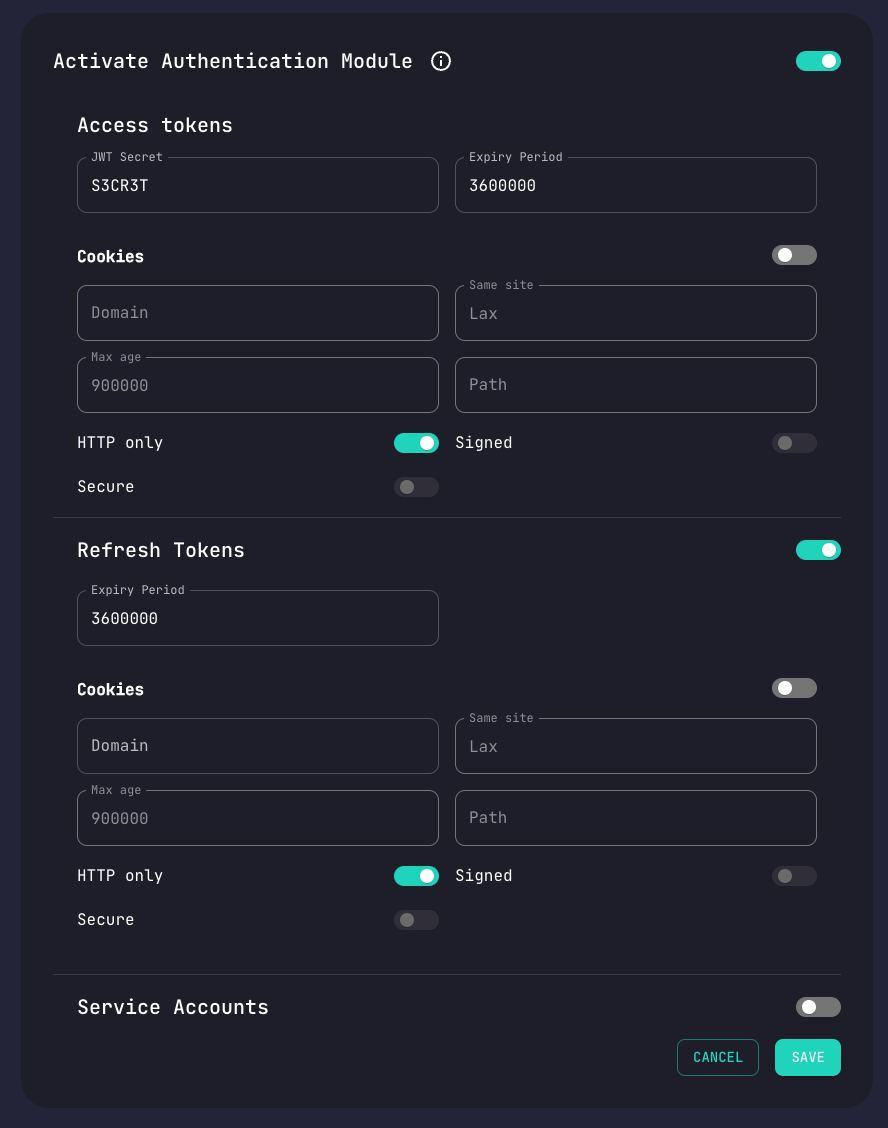
| Setting | Description |
|---|---|
| Rate Limiting Attempts | Number of failed attempts before rate limiting |
| Access Token Expiry | How long access tokens remain valid (ms) |
| Refresh Token Expiry | How long refresh tokens remain valid (ms) |
Local Authentication
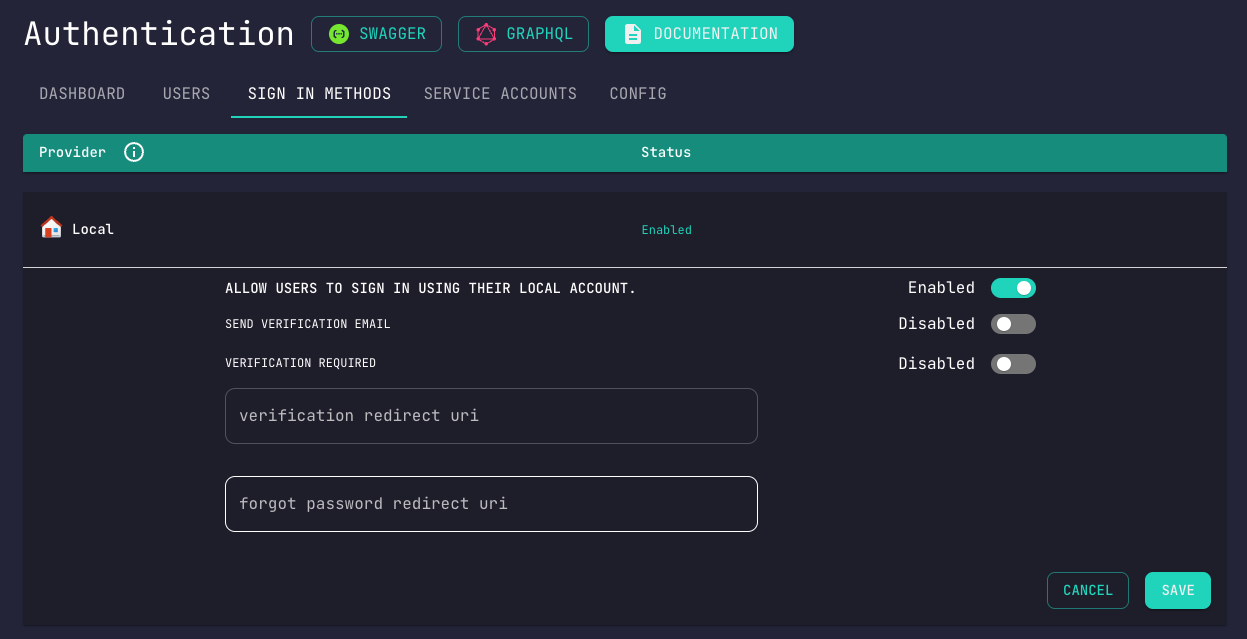
Options
| Setting | Description |
|---|---|
| Enabled | Allow email/password registration |
| Email Verification | Require users to verify email |
| Verification Required for Login | Block unverified users |
Automatic email verification requires the Email module to be configured.
Two-Factor Authentication
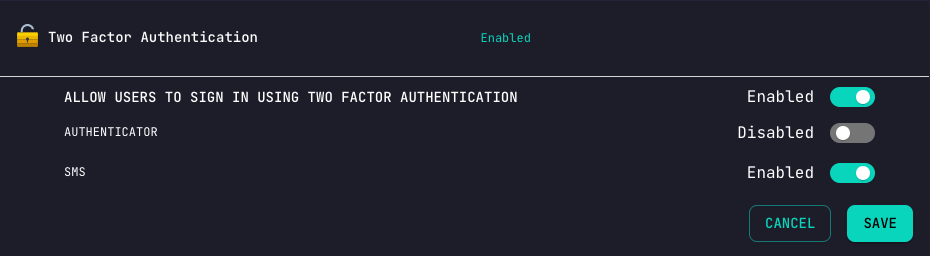
Available Methods
| Method | Description |
|---|---|
| Phone OTP | One-time password sent via SMS |
| QR Code | TOTP app (Google Authenticator, Authy) |
Phone-based 2FA requires the SMS module to be configured.
OAuth Providers
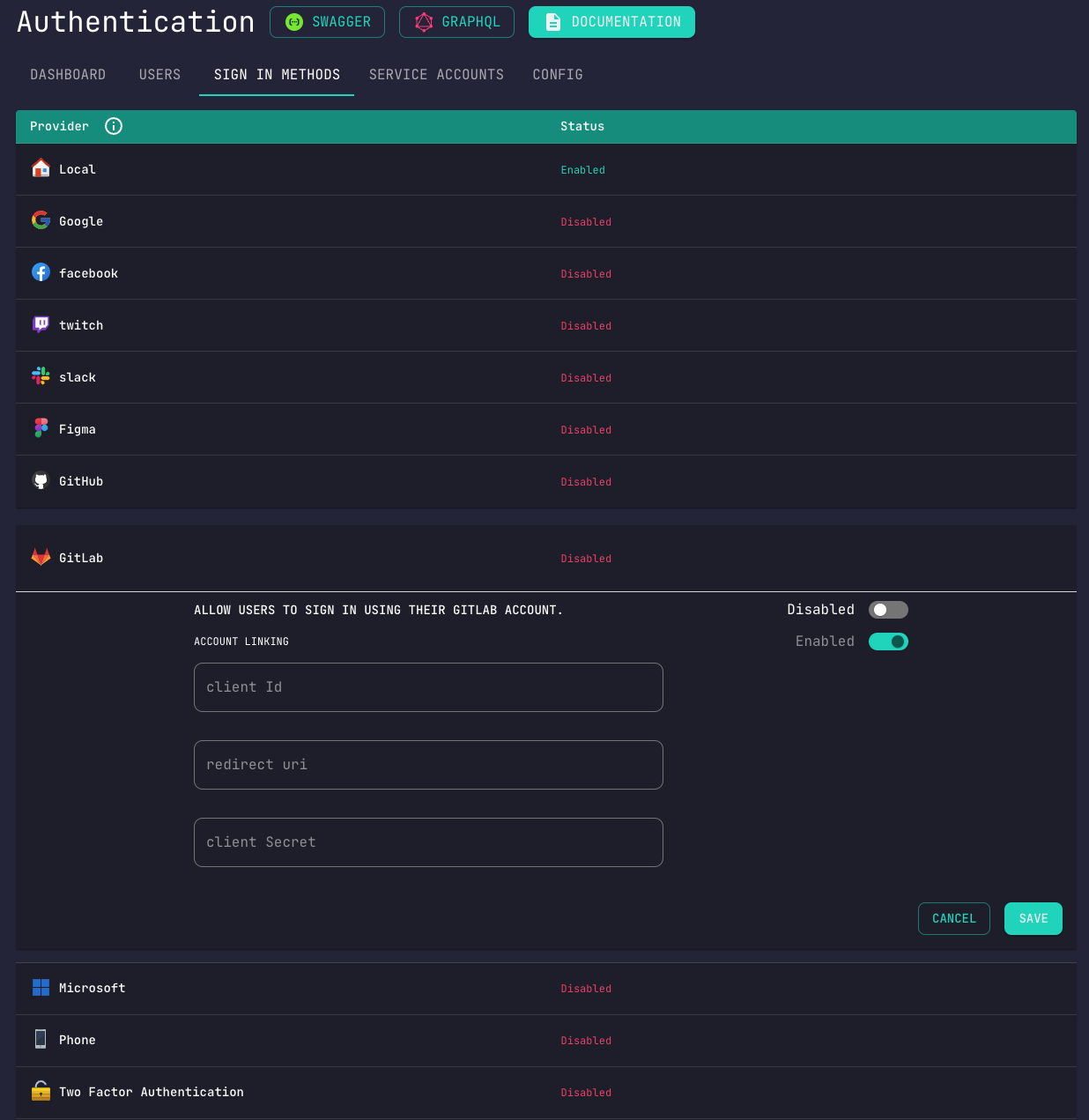
Configuration Steps
- Navigate to Authentication > Settings
- Enable desired provider
- Enter Client ID and Client Secret
- Configure callback URL in provider's console
Account Linking
When enabled, users authenticating with the same email across different providers will have their accounts linked automatically.
Magic Link
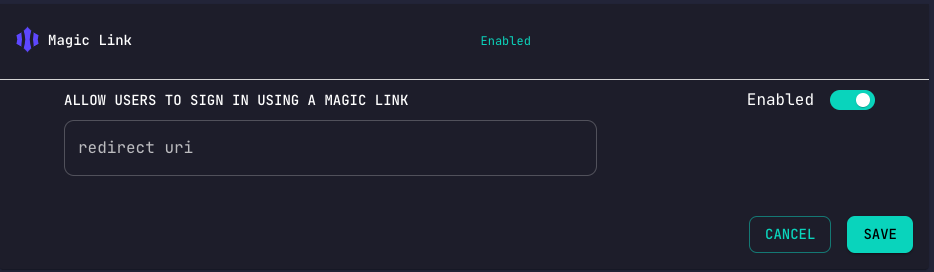
| Setting | Description |
|---|---|
| Enabled | Allow passwordless login |
| Redirect URI | Where to send users after verification |
| Link Expiry | How long magic links remain valid |
Email Restrictions
Block or allow email addresses when they are accepted: local registration, change-email, OAuth new accounts and anonymous upgrade, admin create/patch, gRPC userCreate, and team invites. Not enforced on login, forgot-password, or magic-link flows for existing users. Off by default.
| Setting | Default | Description |
|---|---|---|
| Enabled | false | Master switch |
| Block Disposable Emails | true | Reject addresses on the bundled disposable-domain list |
| Block Plus Addressing | true | Reject + in the local part (user+tag@domain) |
| Blocked Addresses | [] | Exact email denylist |
| Blocked Domains | [] | Domain denylist; suffix match (evil.com also blocks mail.evil.com; not a bare TLD) |
| Allowed Addresses | [] | Exact allowlist; overrides blocks, not reserved @anonymous.com |
| Allowed Domains | [] | Domain allowlist; suffix match; overrides blocks, not reserved @anonymous.com |
Rejected requests return This email address is not allowed (EMAIL_NOT_ALLOWED). The disposable list is bundled (~8k domains and wildcards); no runtime network fetch.
@anonymous.com and its subdomains are always reserved for Conduit-created anonymous users and cannot be registered or invited. Change-email verification links are not rechecked when redeemed, so a token issued before restrictions were enabled still completes.
Token Configuration
Access Tokens
Short-lived tokens for API authentication:
- Default: 1 hour
- Recommended range: 15 minutes - 24 hours
Refresh Tokens
Long-lived tokens for obtaining new access tokens:
- Default: 7 days
- Recommended range: 1 day - 30 days
Security Best Practices
- Enable email verification in production
- Use 2FA for sensitive applications
- Set appropriate token expiry times
- Configure rate limiting to prevent brute force
- Use HTTPS for all authentication endpoints